Overview
The Zeeko Education Portal is a new digital education platform where teachers and students can access the resources for Zeeko’s educational programmes. The portal is divided into two separate areas, the Teacher’s Hub and the Pupil’s Hub. Once teachers register for a Zeeko programme they will receive log in details for the Teacher’s Hub. Here they can access all the support resources for Zeeko’s educational programmes. The Teacher’s Hub is also where they will find their Class ID. The Class ID is a unique code which pupils can use to log into the Pupil’s Hub and access the student resources for the Zeeko educational programmes. The Zeeko Education Portal can be access on desktop or mobile. However, some of Zeeko’s programmes may require you to download an app in order to access all the resources on mobile. If this is the case, the download link for the app will be available in the Zeeko Education Portal. The Zeeko Education Portal is accessible via the web browsers Chrome, Edge, Safari and Firefox. The portal may be accessible on other web browsers however it works best on the ones listed above.
How do I get access to the Zeeko Education Portal?
To access the Zeeko Education Portal you must first be registered for or purchase on of Zeeko’s digital education resources. You can register/purchase our programmes on the Zeeko website. Once you register we will send you an email with your Username. Go to portal.zeeko.ie to log in. Click on the programme you have registered for/purchased and you will see the resources that are available to you. For example, if you have registered for the Magical Leaders programme you can book your training session, access the Magical Leaders resources, access the Magical Leaders game and preview the pre and post assessment survey.
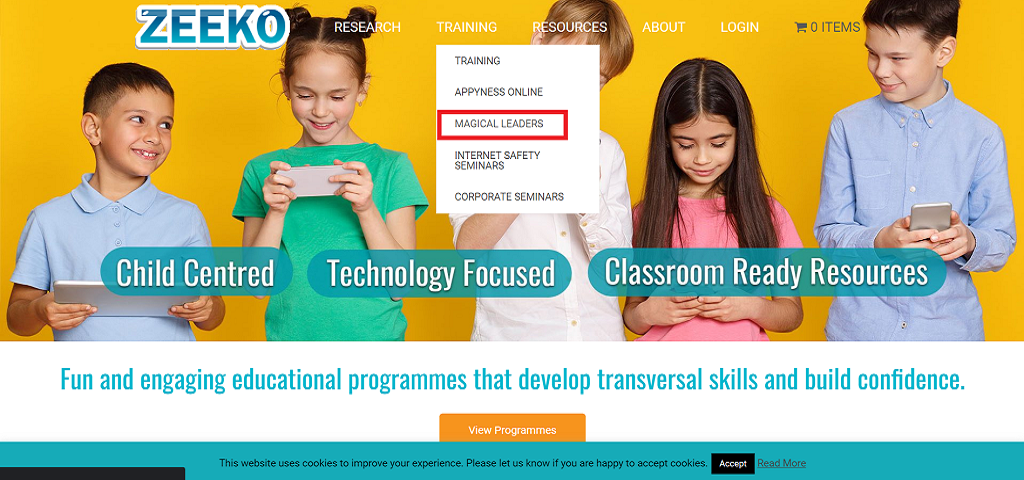
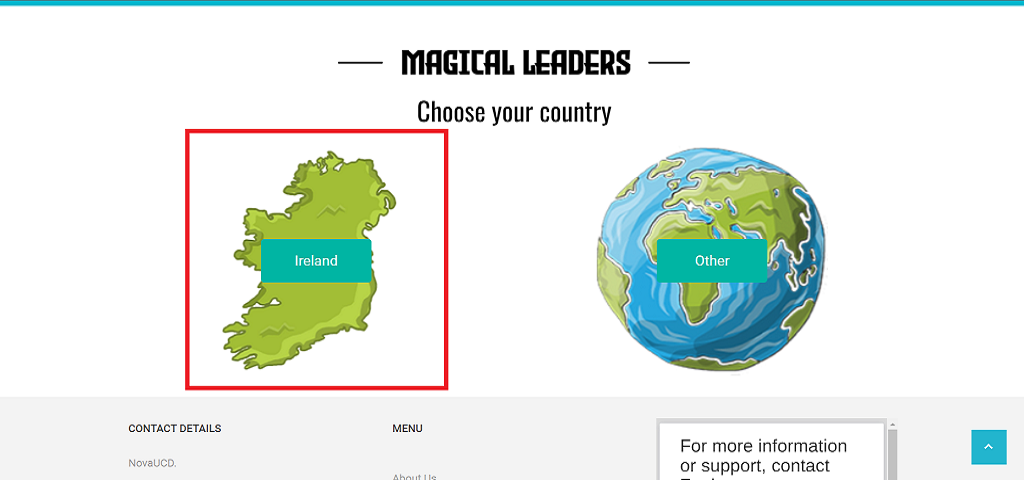
Choose ‘Ireland’
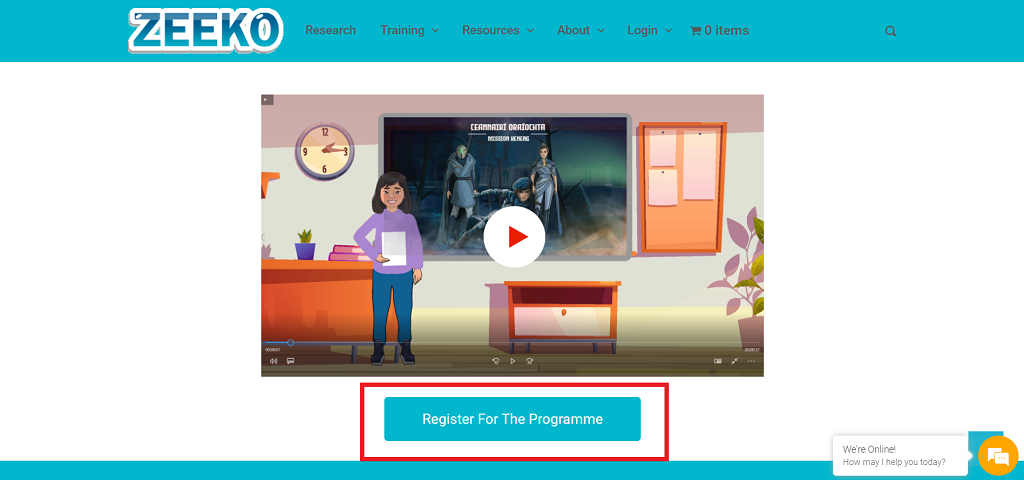
Click ‘Register for the Programme’
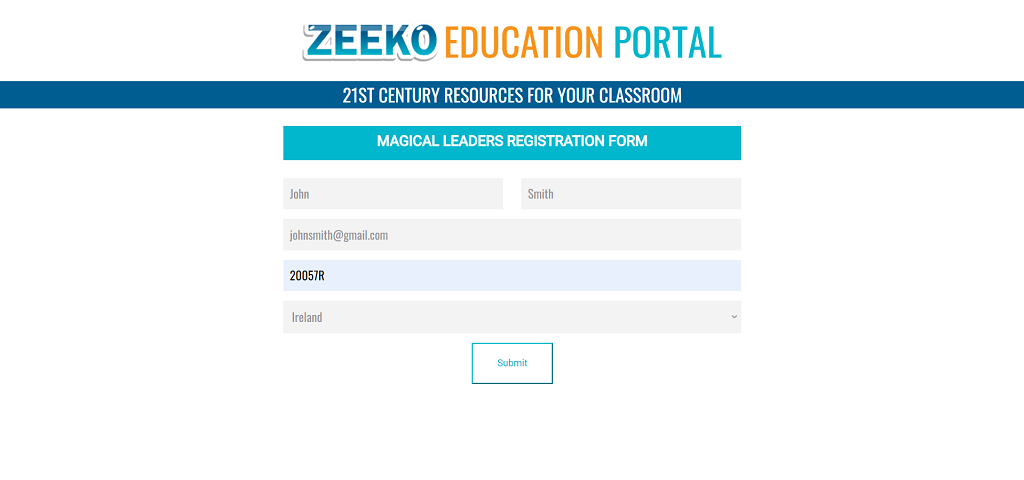
Enter your contact details and school roll number on the registration form and ‘Submit’
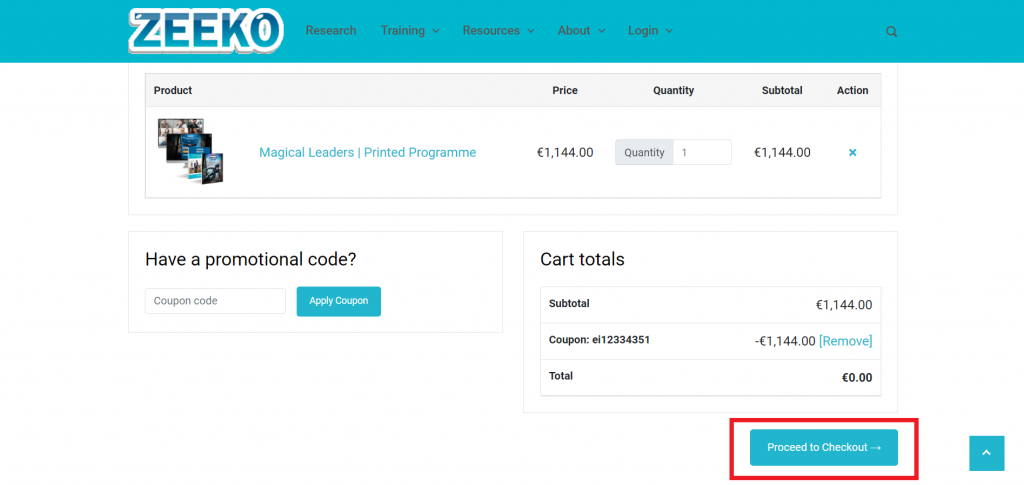
Once verified, you will be sent to the Zeeko shop. Magical Leaders is in your cart, and you are ready to 'Proceed to Checkout’.
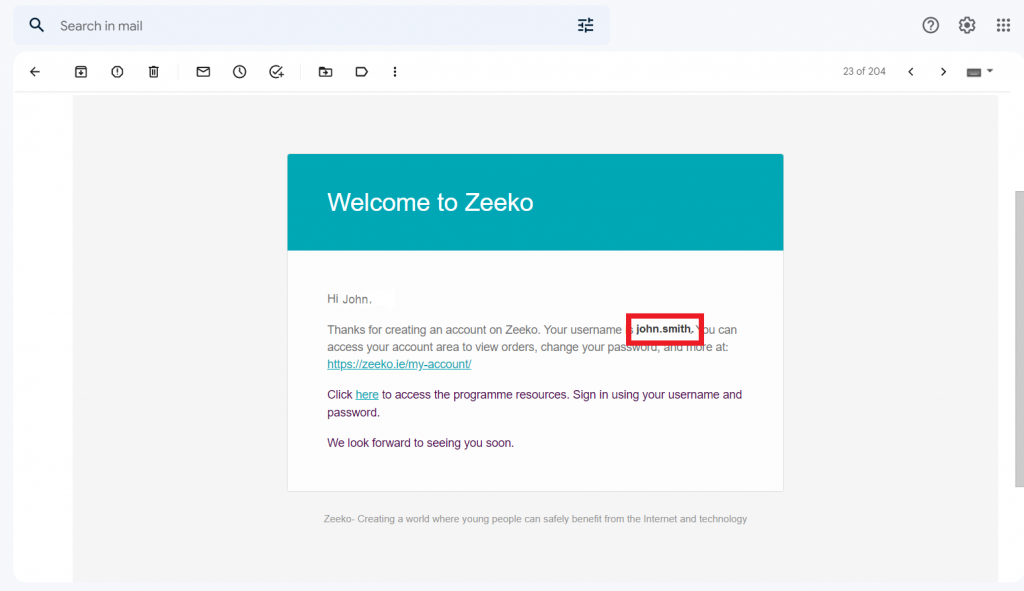
Once you check out you will receive an email with your username and a link to the Zeeko portal.
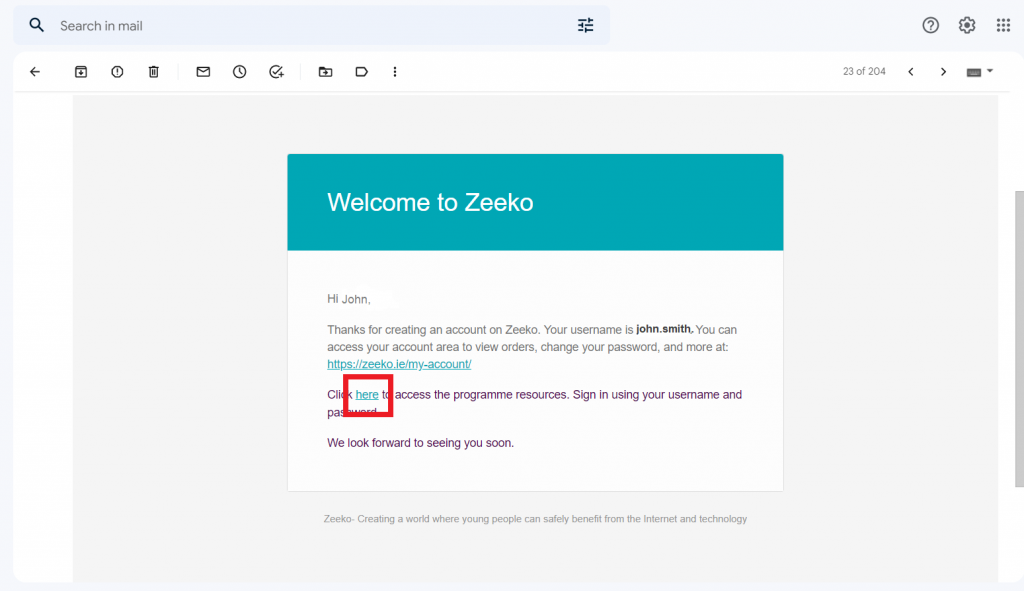
Click on the 'here’ to go to the Zeeko portal.
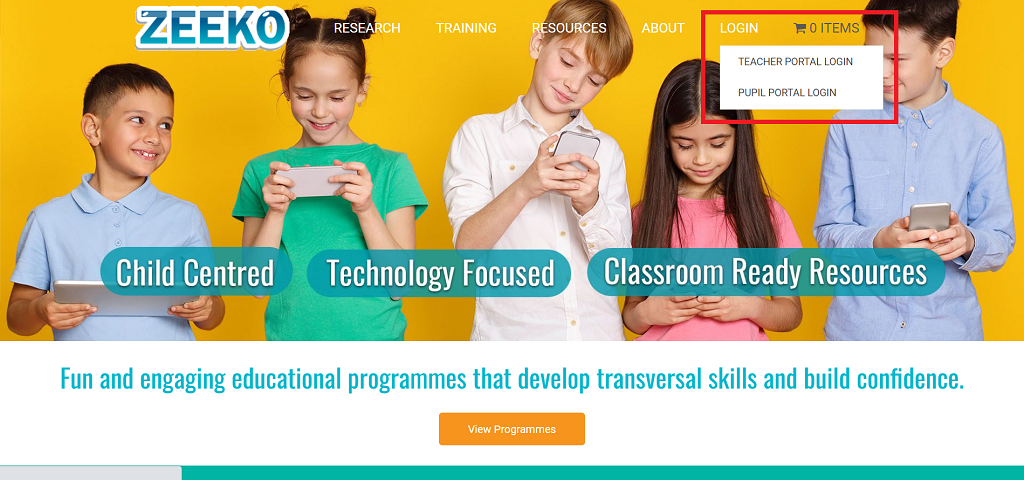
You can also access the Zeeko portal by click ‘LOGIN’ on the Zeeko website.
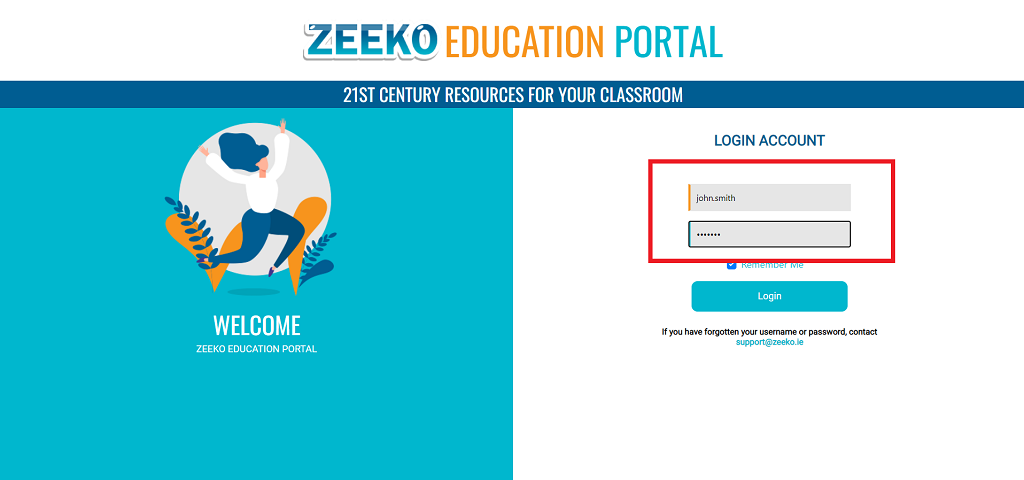
Enter your username and the password you created when purchasing Magical Leaders on the Zeeko website.
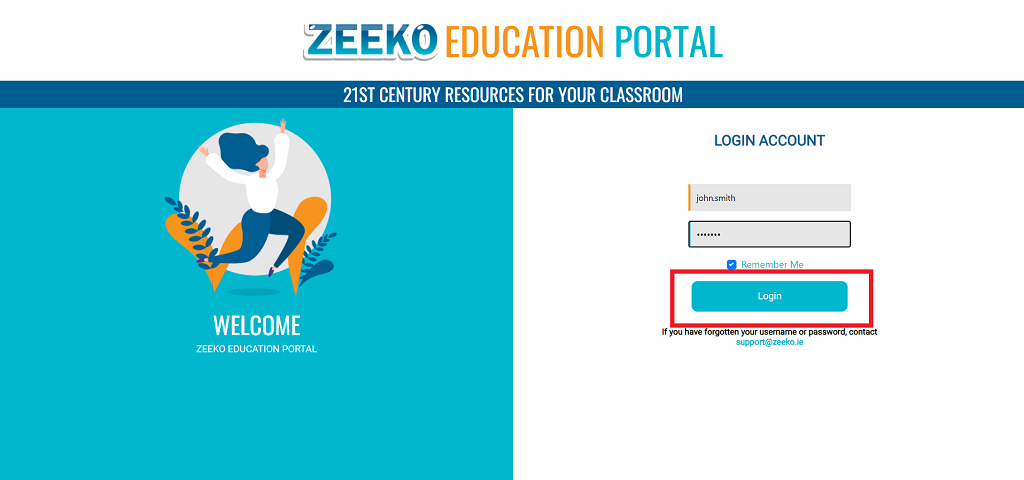
Click ‘Login’
In the Zeeko Education Portal you can access your Class ID and resources for all Zeeko digital programmes.
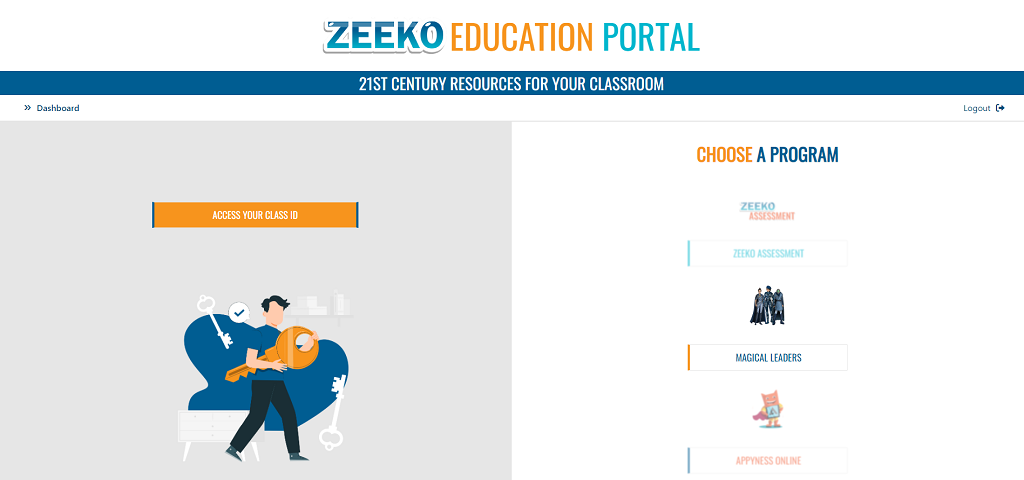
Click ‘ACCESS YOUR CLASS ID’
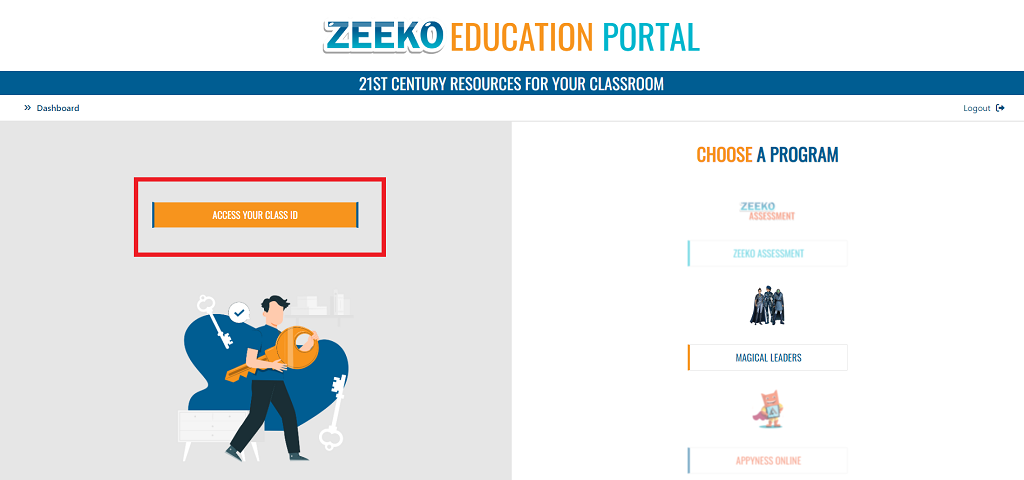
Here you can find your Class ID. This is the unique ID that your students need to log into the Student Portal
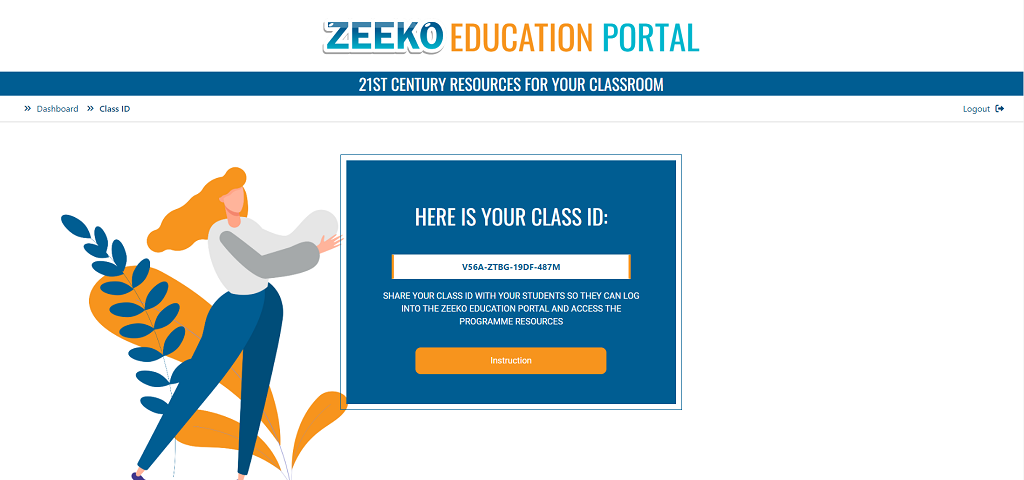
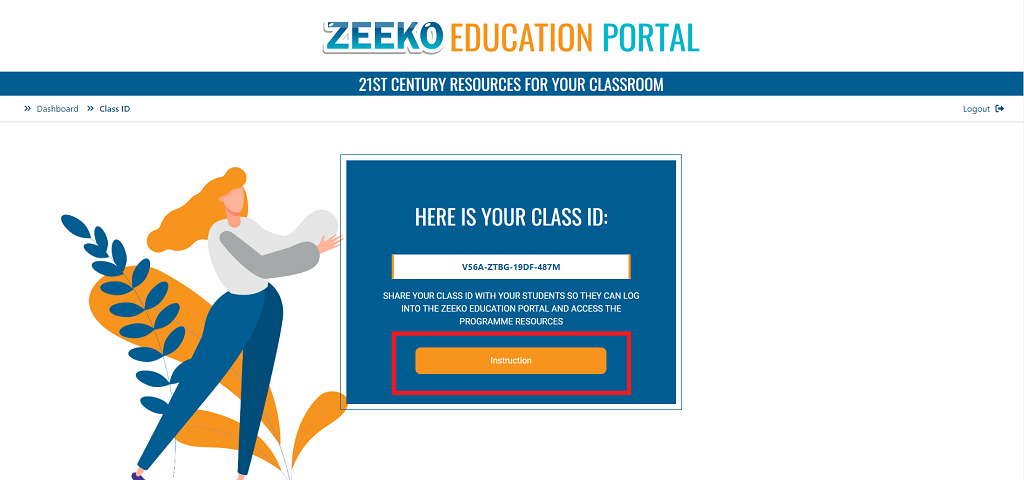
For more information on how to log into the student portal, click the ‘Instruction’ button
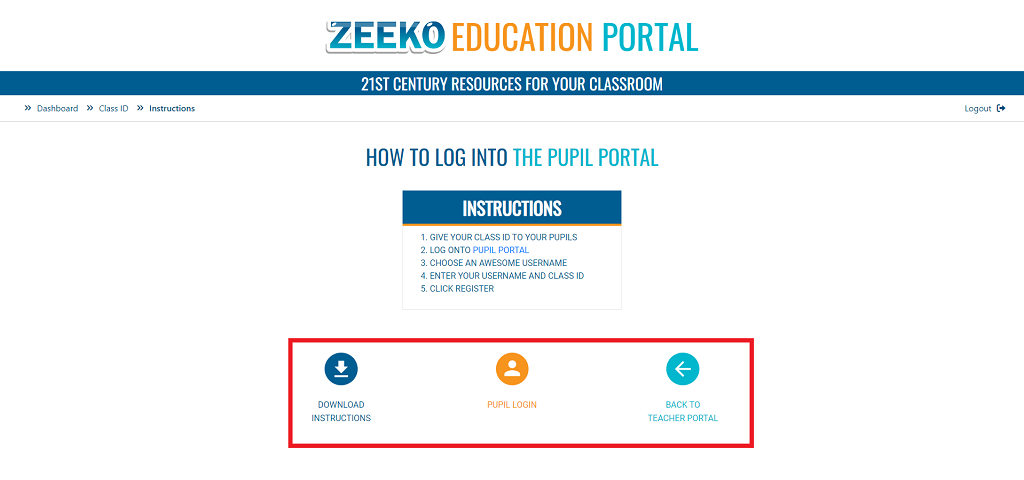
Here you can download a Student Portal instruction PDF to give to your student, access the Student Portal or return to the Teacher Portal Dashboard
In the Choose a program section, you can access all the digital resources for the Zeeko programmes you have access to
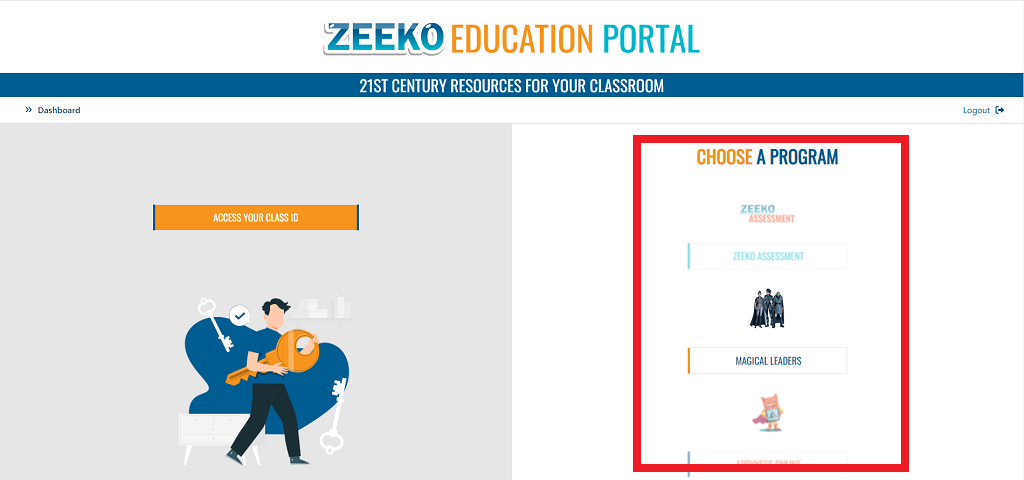
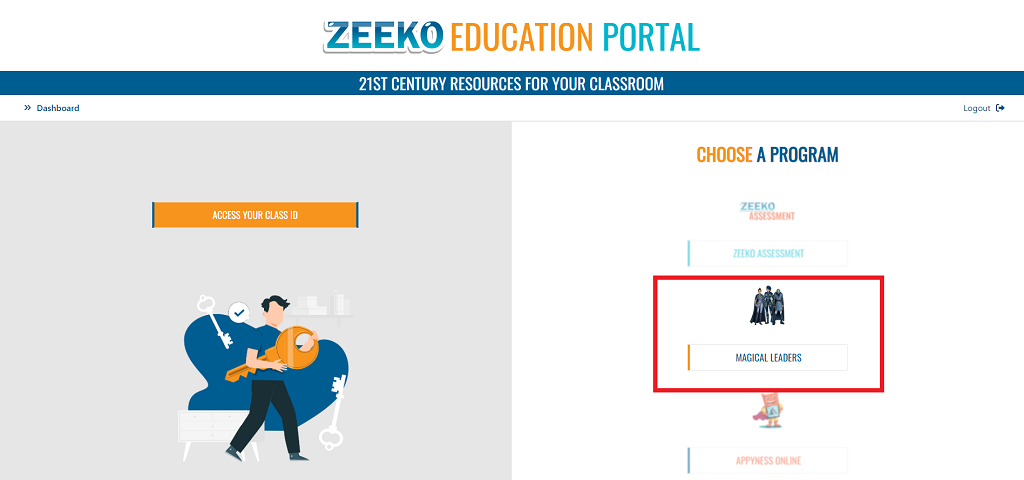
Click on Magical Leaders to go to the Magical Leaders dashboard.
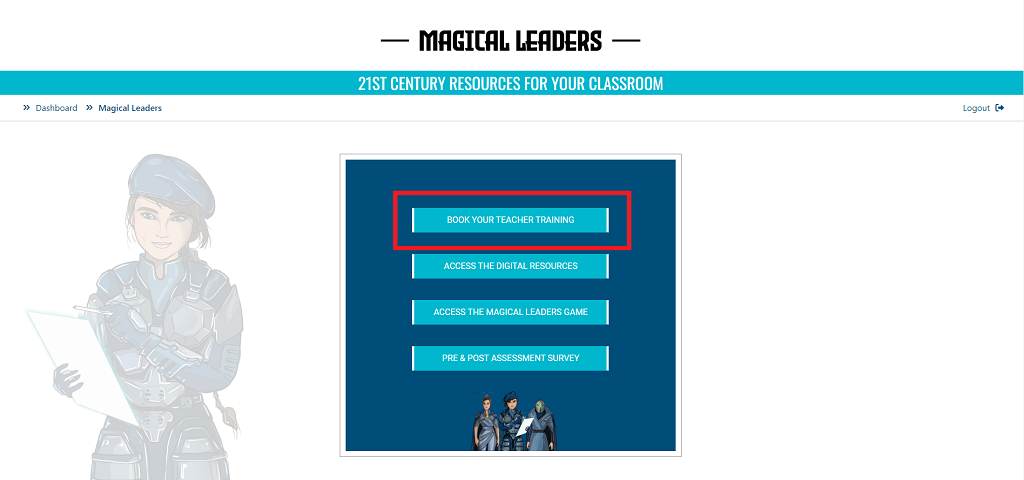
Here you can book your training session, view the digital resources for the Magical Leaders programme and access the pre and post assessment survey results. Click ‘BOOK YOUR TEACHER TRAINING’
Please note, in Ireland the Magical Leaders programme is funded by Enterprise Ireland. Irish teachers are required to attend training before receiving the Magical Leaders resource pack. If you have completed training in a previous year you can ‘OPT OUT OF TRAINING’ and we will send you the resources.
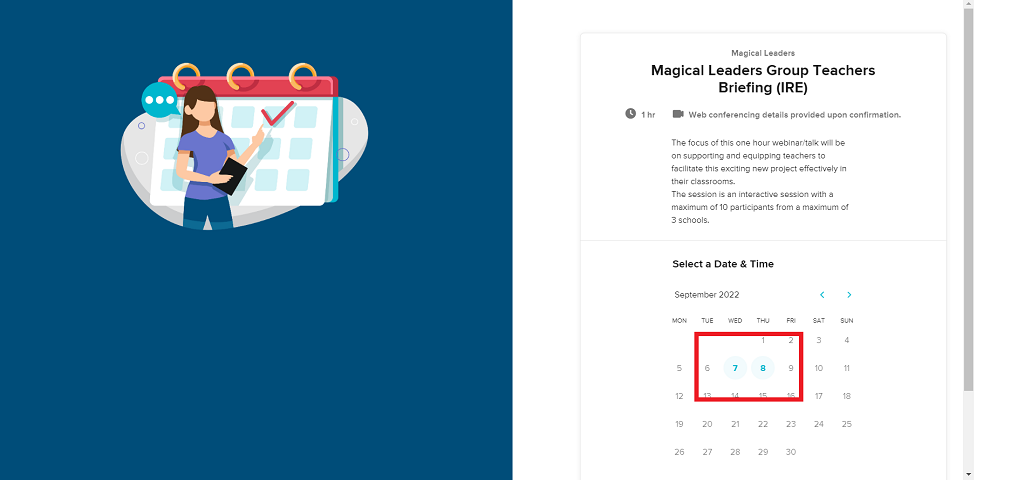
Choose a date and time that suits you
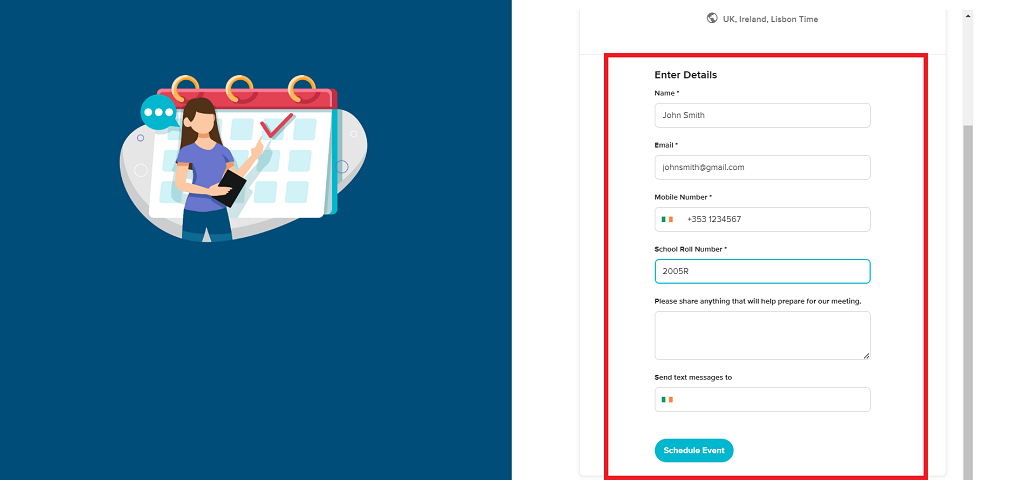
Enter your details, make sure to use the same email address that you used to purchase the programme, and click ‘Schedule Event’
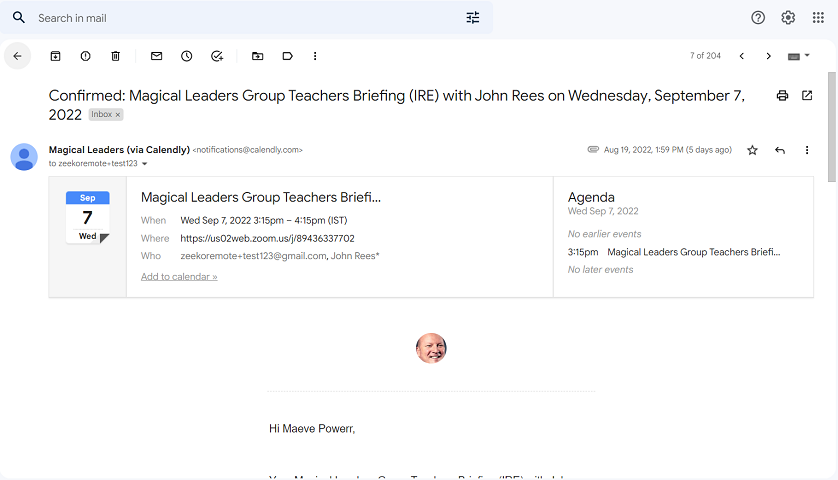
You will receive a confirmation email in your inbox with the date and time of your training session
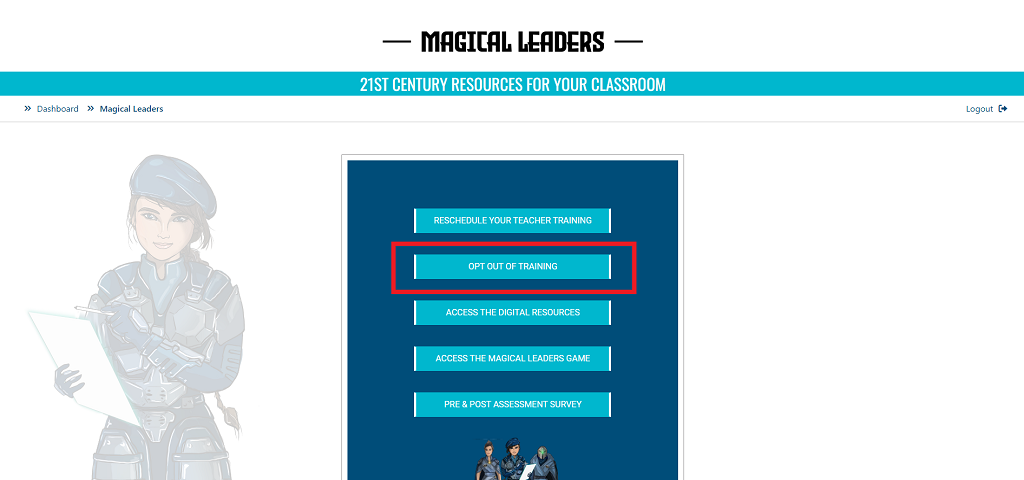
You can also opt out of training if you don’t want to attend. Click ‘OPT OUT OF TRAINING’
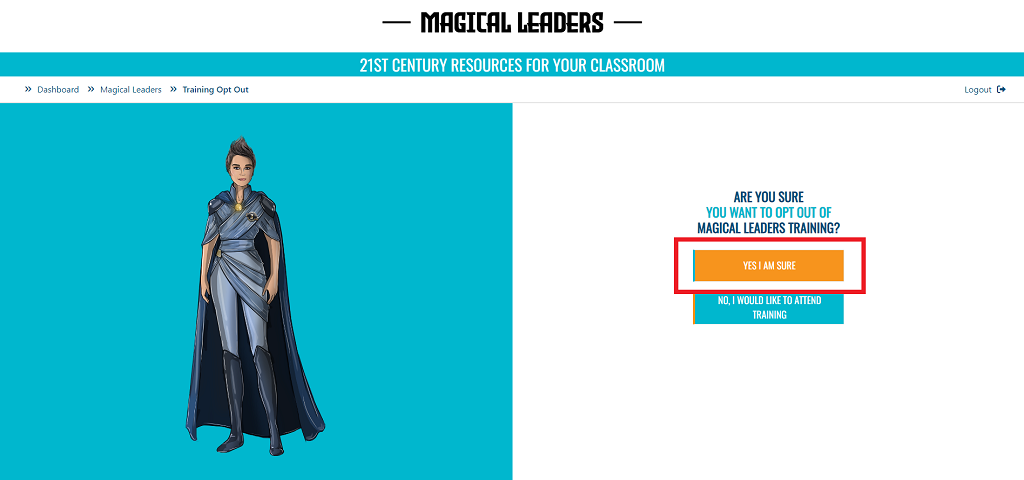
Confirm your choice by clicking ‘YES I AM SURE’
Please note, in Ireland the Magical Leaders programme is funded by Enterprise Ireland. Irish teachers are required to attend training before receiving the Magical Leaders resource pack. If you have completed training in a previous year you can ‘OPT OUT OF TRAINING’ and we will send you the resources.
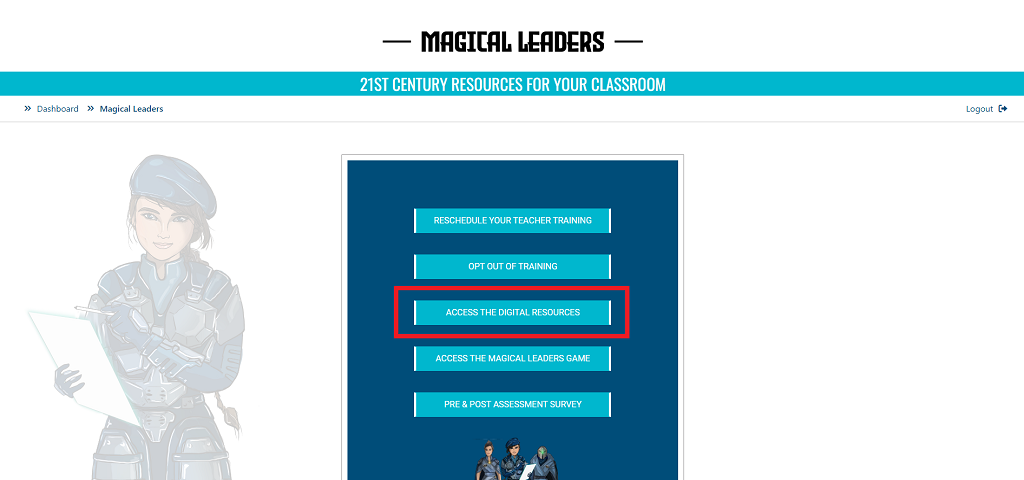
Click on ‘ACCESS THE DIGITAL RESOURCES’ to access the online digital resources for the programme
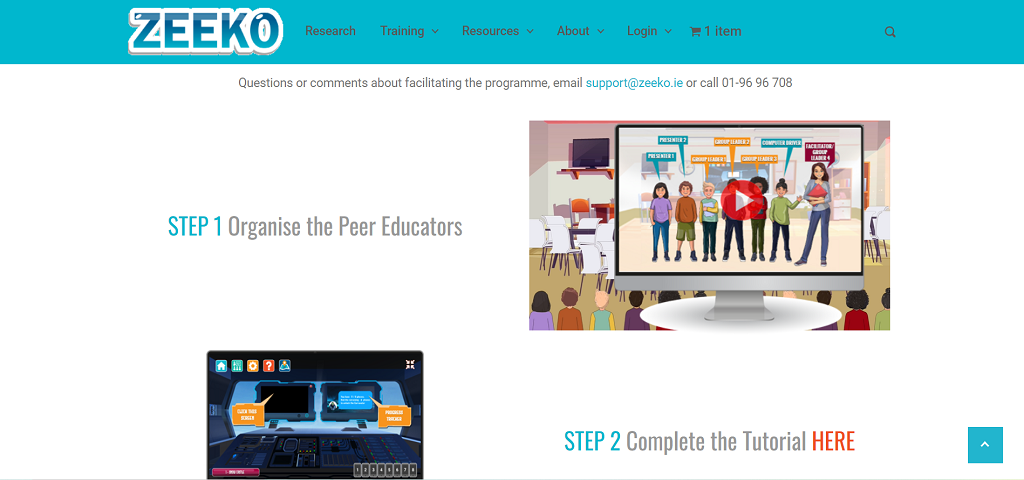
Here you can view more information on how to set up your classroom, a tutorial on how to use the software and get access to digital versions on the teacher’s manual
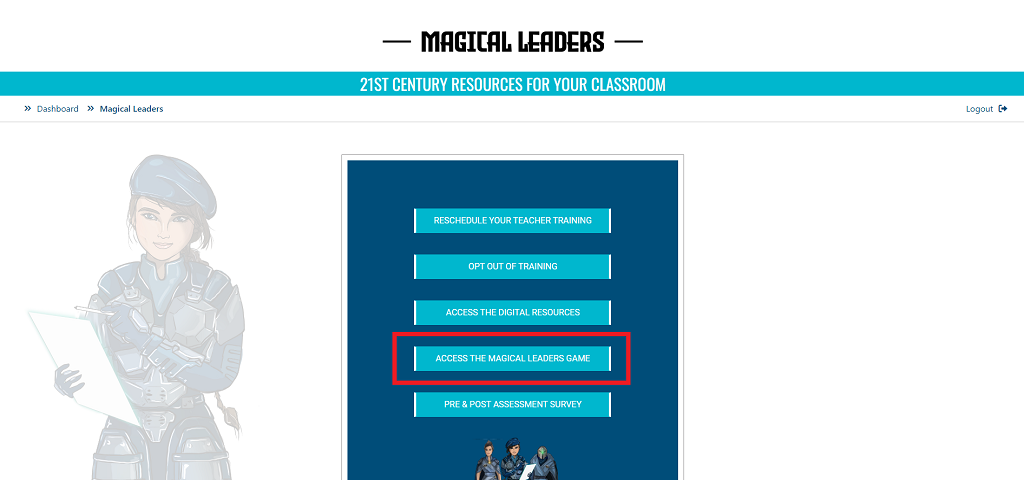
Click ‘ACCESS THE MAGICAL LEADERS GAME’ to access the virtual world
There are 6 lessons in total, each with its own virtual world.
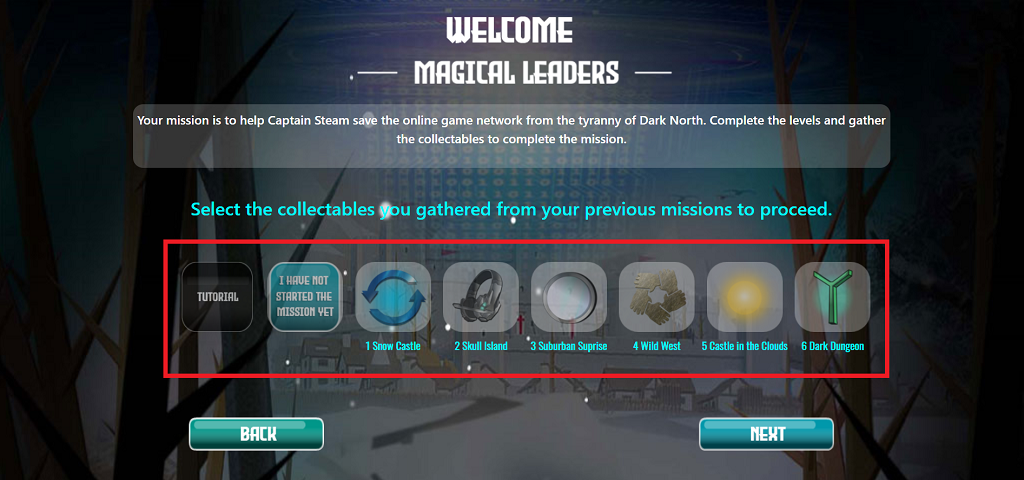
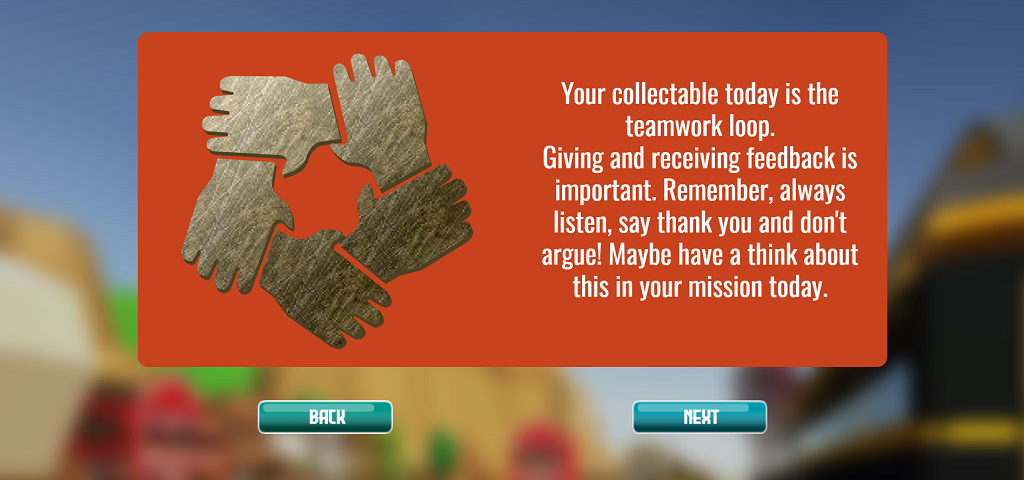
When your class completes a lesson, they earn a collectible
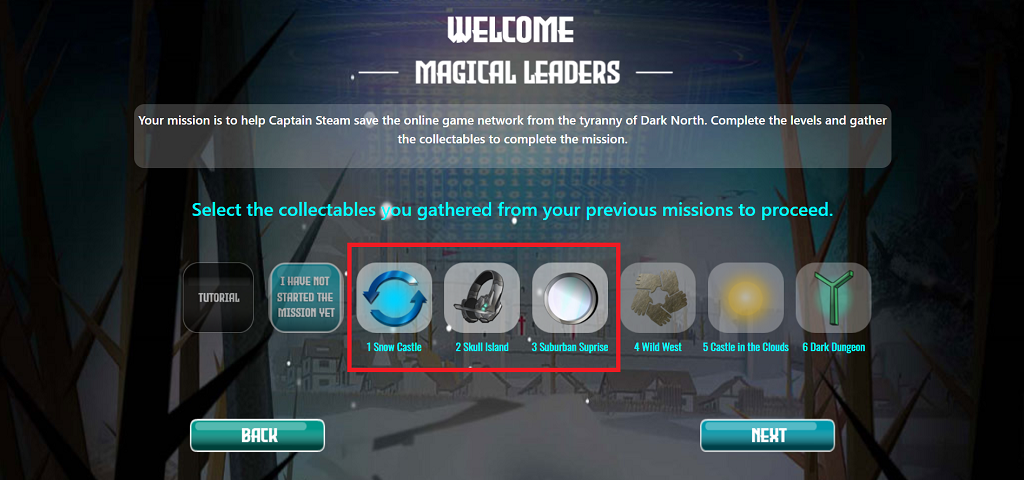
Select which collectibles you have already earned and click ‘NEXT’
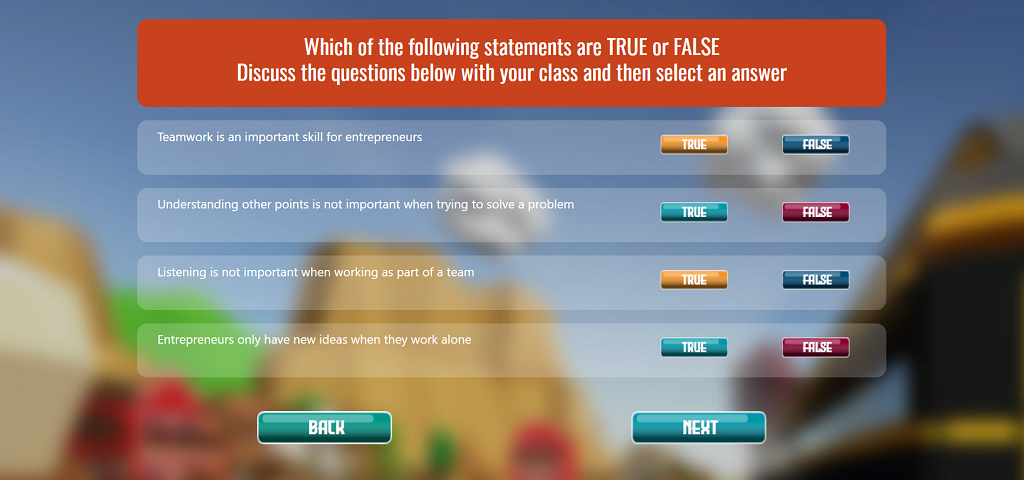
Read through the pages and answer the true and false questions with your class
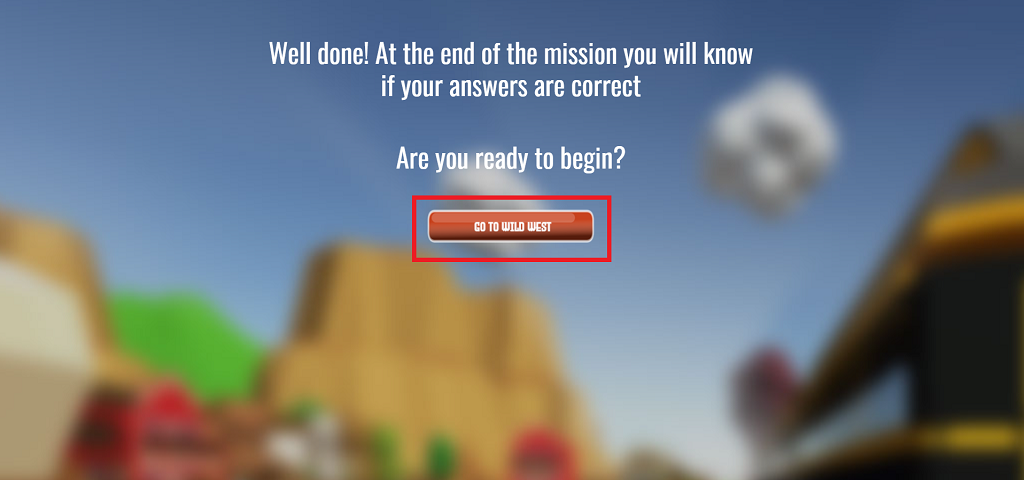
Then you can load into the virtual world and start the lesson. For example, select ‘GO TO WILD WEST’ to access the content for Lesson 4.
Complete the Lesson by finding all the phones and completing the activities
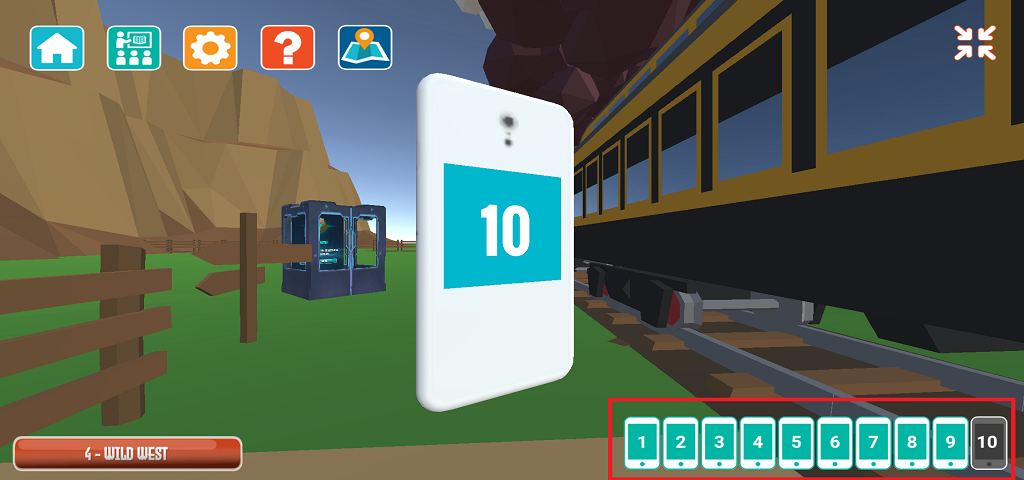
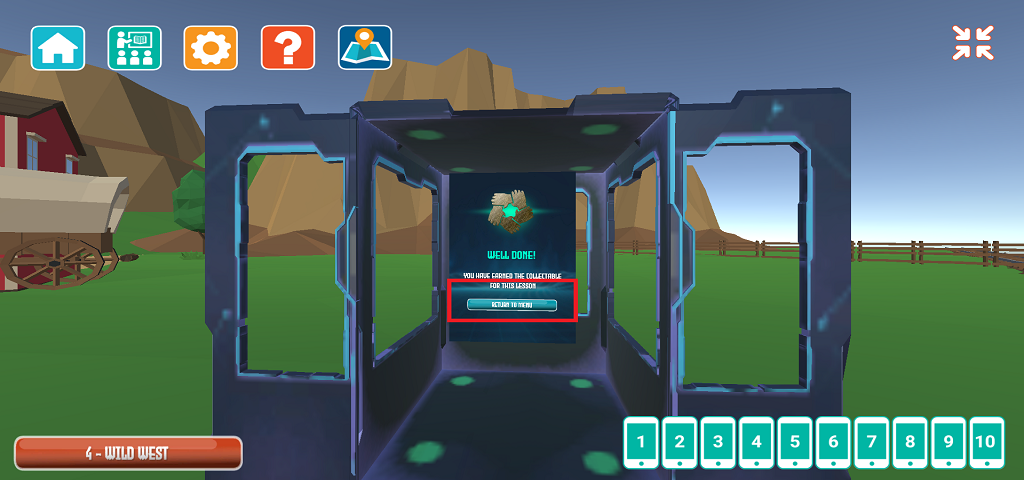
When you have found all the phones, go to the Exit Gamavator and click ‘Back to Menu’ to get back to the lesson select page
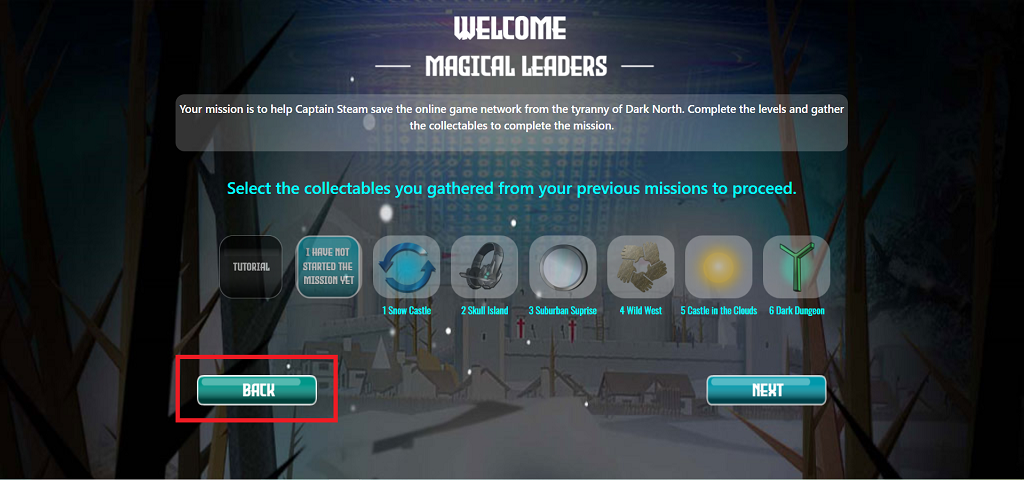
Click ‘BACK’ to return to the Magical Leaders Dashboard in the Teacher Portal.
In the Magical Leaders Dashboard, click the ‘PRE & POST ASSESSMENT SURVEY’
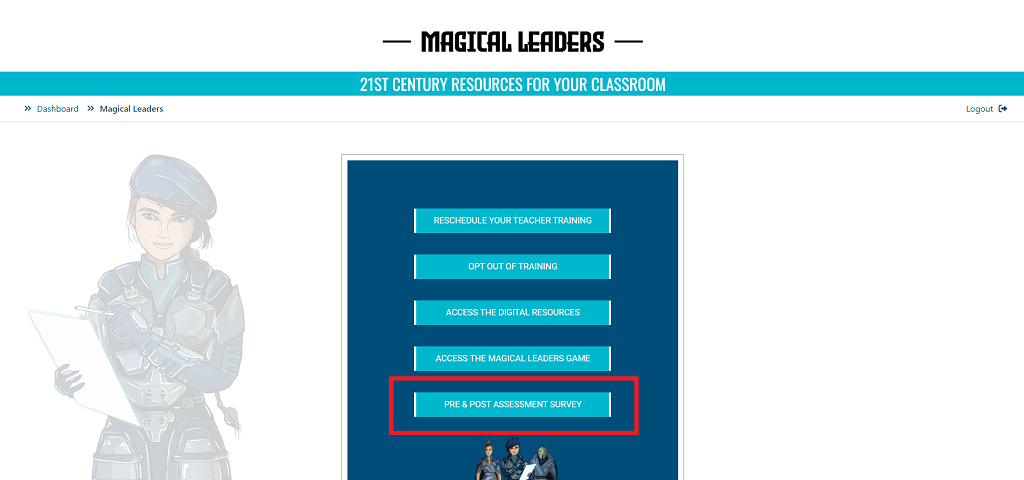
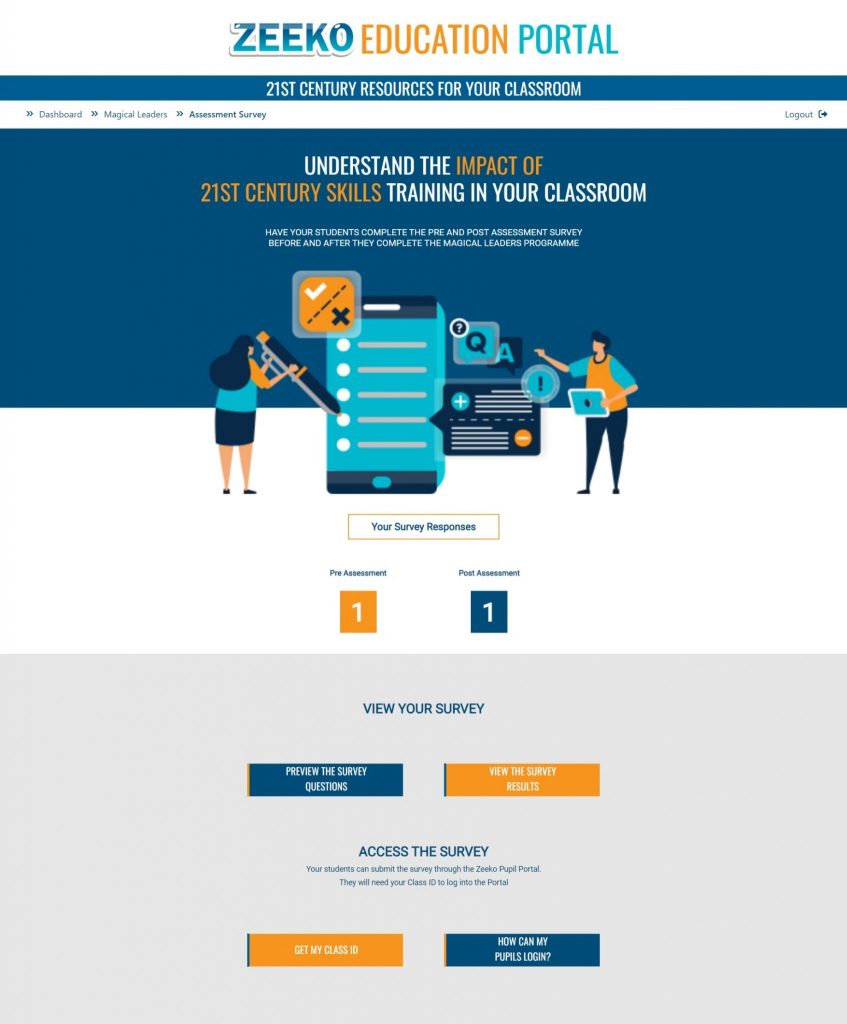
Here you can see the number of students that have submitted the pre and post assessment surveys, preview the survey questions and view the survey results
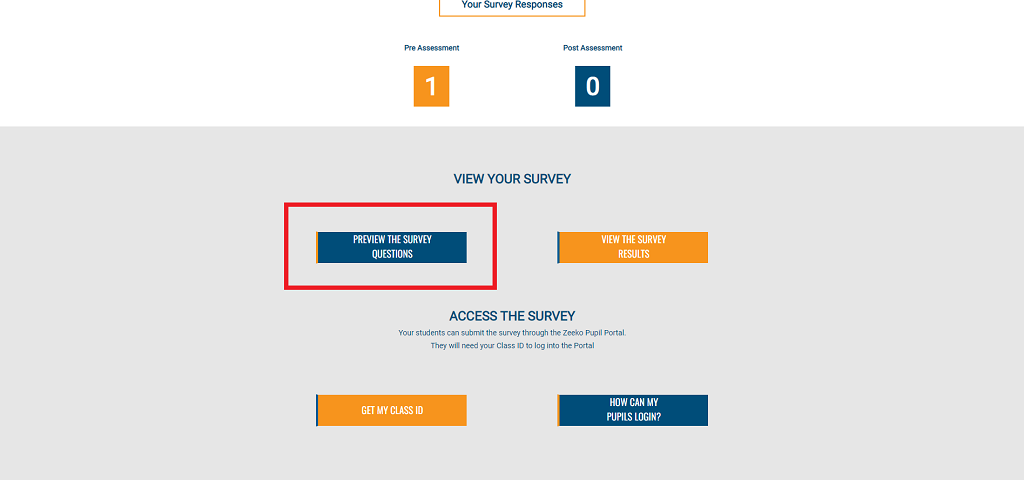
Click ‘PREVIEW THE SURVEY QUESTIONS’
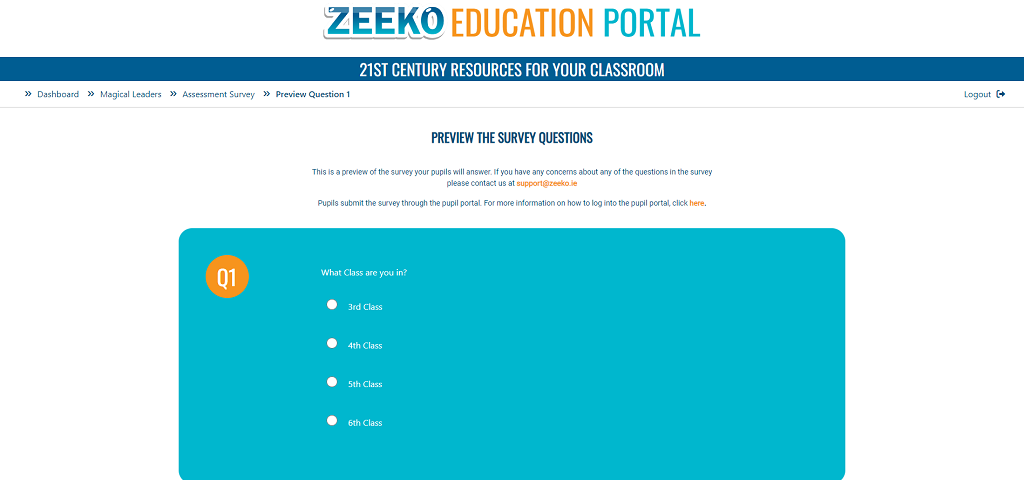
Here you can review all the survey questions. If you have any concerns about the questions you can email us at support@zeeko.ie
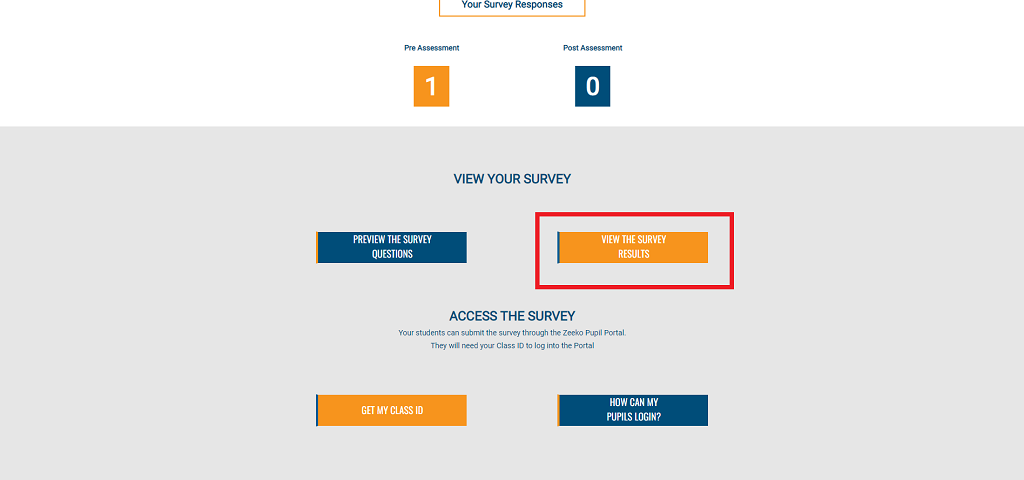
Click ‘VIEW THE SURVEY RESULTS’
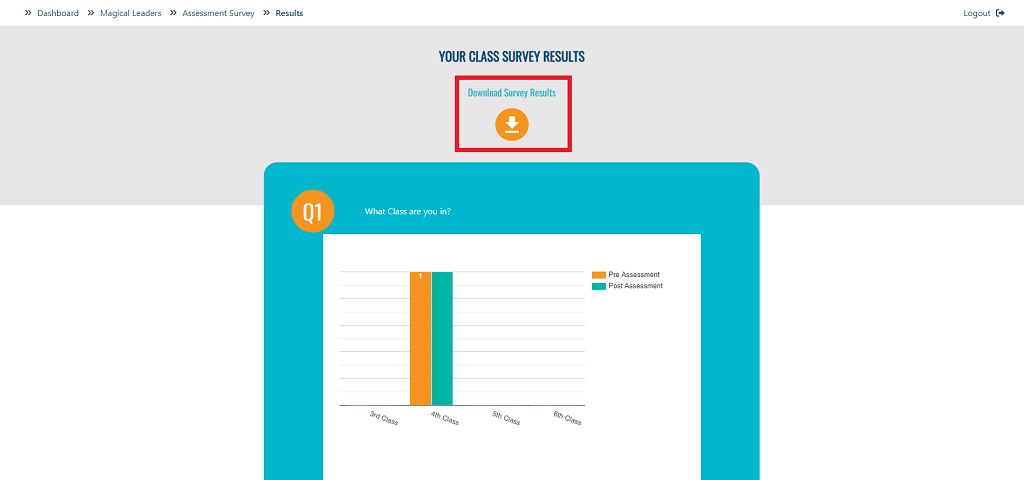
Here you can view the report summarising the pre and post assessment survey results for your class
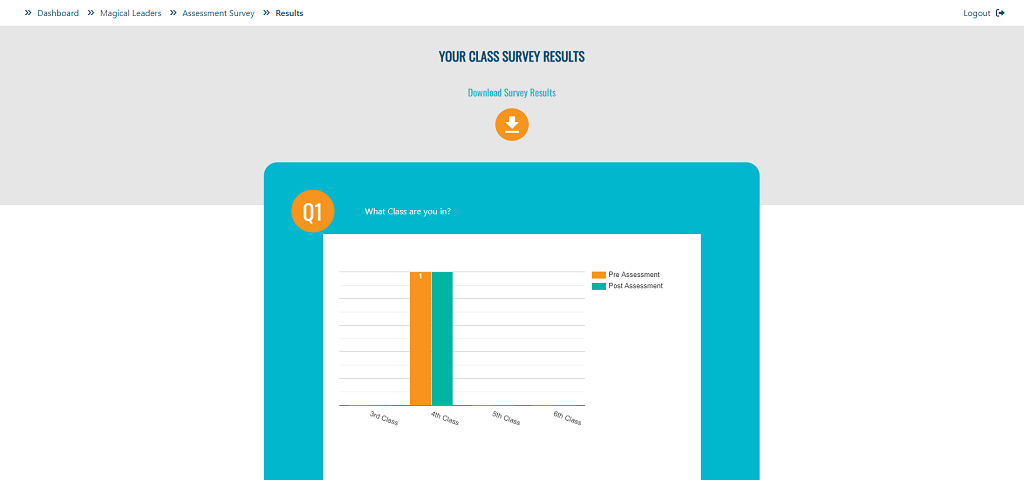
The report is available to ‘Download Survey Results’ a PDF once at least 1 pre assessment survey and 1 post assessment survey has been submitted by your class.